Adding Nodes
Adding a node is really easy. Just walk to the position where you want a node to be inserted, bring up your graph editor:
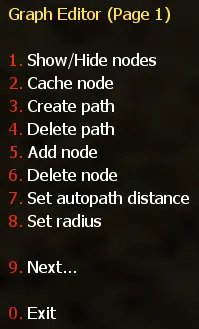
To add a node, simply select 5. Add node. A new menu will appear, the Node Type menu. All node types described below can be added by using this menu.
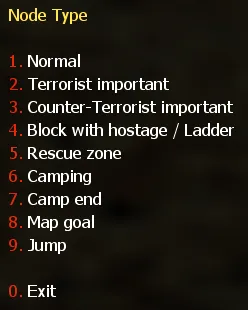
Once you have selected a node type from the “Node Type” menu, you will hear a sound, and the selected node will appear in the map, at the exact position where you stood when you pressed the key.
Now that you know the basic method used to add a node, let’s have a closer look at the node types that exist.